
SASSA Application Guide
This guide explains who the SRD grant is for, what information you give when you apply and what to do after you…
Read more →Independent information site. Not affiliated with SASSA or the South African government.
Open the official SRD status page, enter your details there, and come back if the result does not make sense. We explain every status in plain English.
The button opens the official SASSA site in a new tab. We never ask for your ID number, PIN or OTP.
A SASSA status check is simply you asking the official SRD website what it has decided for each month you applied. There are three steps, and the only place you ever type your details is the official site.
Tap the green button above, or type srd.sassa.gov.za into your browser. If the address does not end in gov.za, it is not the real site.
Use the ID number and cellphone number from your application. Nobody on this website will ever ask you for them.
The result can be different from month to month. Come back here if the wording is confusing.
New to this? Our step by step guide on how to check SASSA SRD status covers what to have ready and what to do if the page will not load.
Recent and upcoming dates from official announcements. SRD has no single date, so check your own result on the official site.
| Month | Older persons | Disability | Children's grants | SRD R370 |
|---|---|---|---|---|
| July 2026 | Check status | |||
| August 2026 | Check status | |||
| September 2026 | Check status | |||
| October 2026 | Check status | |||
| November 2026 | Check status | |||
| December 2026Next | Check status | |||
| January 2027 | Check status | |||
| February 2027 | Check status |
SRD is paid in batches and has no single date. Your own date appears with your approved result on the official SRD website. Payment dates can change, so confirm on sassa.gov.za.
Source: The Citizen: SASSA announces all social grant payment dates for 2026/2027 (23 March 2026); The Citizen: SASSA releases 2026/2027 grant payment schedule (8 July 2026); SAnews: SASSA revises November grant payment dates ahead of elections (15 October 2026) · Last checked November 12, 2026

Most people see one of three words. Here is what each usually means and where to go next. The wording on the official site always has the final say.
A SASSA status check is how you find out what the Social Relief of Distress (SRD) system has decided about your application. You do it on the official SRD website, you enter your own details there, and you get a result for each month. This guide covers it all in one place: what you need, how to do it, what the results mean, why they change, when you get paid, and what to do when something goes wrong.
The SRD grant is decided month by month. Each month, SASSA looks at your application again and records a result. Doing the check is simply opening the official SRD status page and reading what it says for each month you applied.
That is all it is. It does not change your application, it does not speed anything up, and it does not cost anything. It only shows you where things stand.
GrantStatus cannot do the check for you. We are an independent website, we are not SASSA, and we cannot see anyone’s application. What we can do is get you to the right official page, explain what you find there, and help you decide what to do next.
Anyone who has applied for the SRD grant. According to the official SRD website, the grant is meant for South African citizens, refugees, asylum seekers and special permit holders aged 18 to 60. They must have insufficient means, must not receive social grants for themselves, must not be contributing to or eligible for UIF payment, and must have no financial support from any other source.
If you have not applied yet, read the application guide first. If you are not sure you qualify, our guide on receiving the SRD grant and another grant explains how the official rules read. Only SASSA decides who qualifies.
This guide is about the SRD grant, which is the one with the online status page. The older persons, disability and children’s grants are handled through SASSA’s own channels, so check sassa.gov.za for the right route for those. The payment dates table above does cover their monthly payment dates.
Most failed checks come down to details that do not match the application. Before you start, have these three things:
If the number on your application is no longer yours, the official SRD website says to call the SASSA call centre on 0800 601 011 to update it. Do that first. Our guide on what to do if your cellphone number changed walks through the call.
The full walkthrough, with a table of common problems, is in our guide on how to check SASSA SRD status. If the page will not load or gives errors, read SRD status check not working: problems and fixes.
The short meanings are in the summary further up this page. Here is what to do about each one.
| Your result | What to do | Read next |
|---|---|---|
| Pending | Check that your details are right, then check again in a few days. If one month stays pending for a long time, call the SASSA call centre and ask about that month. | What pending means |
| Approved | Write down the payment date if one is shown. Make sure your bank details are correct and the account is open. | Payment dates and banking details |
| Declined | Read the reason for each declined month. Check whether the information about you is correct. Decide whether to appeal, month by month. | What declined means and how to appeal |
Because each month is decided separately, you can be approved in one month and declined or pending in the next. A change does not always mean you did something wrong. The information SASSA holds about you can change, a check that was running can finish, and your own situation can change too.
The useful habit is to keep a note of each month’s result, so that when something changes you can see what is different. We explain the common reasons and give a simple tracking table in why your SRD status can change from month to month, and a record keeping routine in how to keep records for your SASSA application.
SRD does not have one payment date. It is paid in batches, and your own date is shown with your approved result on the official site. The older persons, disability and children’s grants follow a published schedule, which you can see in the payment dates table above.
Dates for those grants can still move. In October 2026, for example, SASSA revised the November dates because 4 November was local government election day, and SAnews reported the change. That is why the table shows where each date was reported and when we last checked it. For the full explanation, see SASSA payment dates. If you are approved and the money has not arrived, go to payment not received.
| What you see | Usual cause | What to try |
|---|---|---|
| “Not found” or no result | A wrong digit, the wrong identity option, or details that differ from your application | Re-enter slowly and choose the right option. If it still fails, call 0800 601 011. |
| No SMS arrives | Weak signal, full phone storage, or a number that is no longer active | Improve your signal, free up storage and try again. Update the number through the call centre if it has changed. |
| The page will not load | Lots of people checking at once, especially around payment time | Try early morning or late evening, and switch between Wi-Fi and mobile data. |
| A result you do not understand | Official wording that is short on detail | Read the matching guide above, or call the call centre with the month in mind. |
A decline is a decision for that month, not a final answer about you. Read the reason, check your own records, and decide whether the information used against you is wrong. If it is, the official SRD website says you can appeal to the Department of Social Development, and you lodge a separate appeal for each declined month. Start with what declined means, then read how to write a clear appeal reason. If your reason mentions other income, read what to check.
You do not need your bank details to do a status check, but wrong bank details are one of the most common reasons an approved month does not turn into money. Check that the account is in your own name, open, and able to receive deposits. Banking details are changed only on the official SRD website or through official SASSA channels. Our banking details guide covers the safe way to do it.
Because so many people are looking for their result, scammers copy the official site and send links by SMS and WhatsApp. Type the address yourself, never share your PIN or OTP, and never pay anyone to check, speed up or fix your status. If a message creates urgency, treat that as a warning sign. We explain the common tricks in how to spot fake SASSA websites and messages.
| Word | Plain meaning |
|---|---|
| SRD | Social Relief of Distress, a monthly grant for adults with insufficient means. |
| Application | The request you made on the official site, with your details and consent. |
| Status | What the system shows for a month: pending, approved or declined. |
| Appeal | A request for a declined month to be looked at again. |
| OTP and PIN | Codes that prove it is you. Never share them with anyone. |
| Proxy | A person who acts for an applicant. Choose only someone you trust. |
Other numbers, WhatsApp lines and USSD codes are passed around on many websites, and they often disagree. We only list a channel after we have confirmed it on an official page. See official SASSA contact details for how to prepare for a call.
This page is based on the official SRD website and on official announcements reported by the government news agency SAnews. Where information could not be confirmed, we have left it out or said so. The payment dates table shows its sources, and every guide lists the official pages it relies on. You can read how we work in our editorial policy, and if you spot a mistake, tell us through the contact page and we will check it.
It is worth going through these in order before you call anyone.
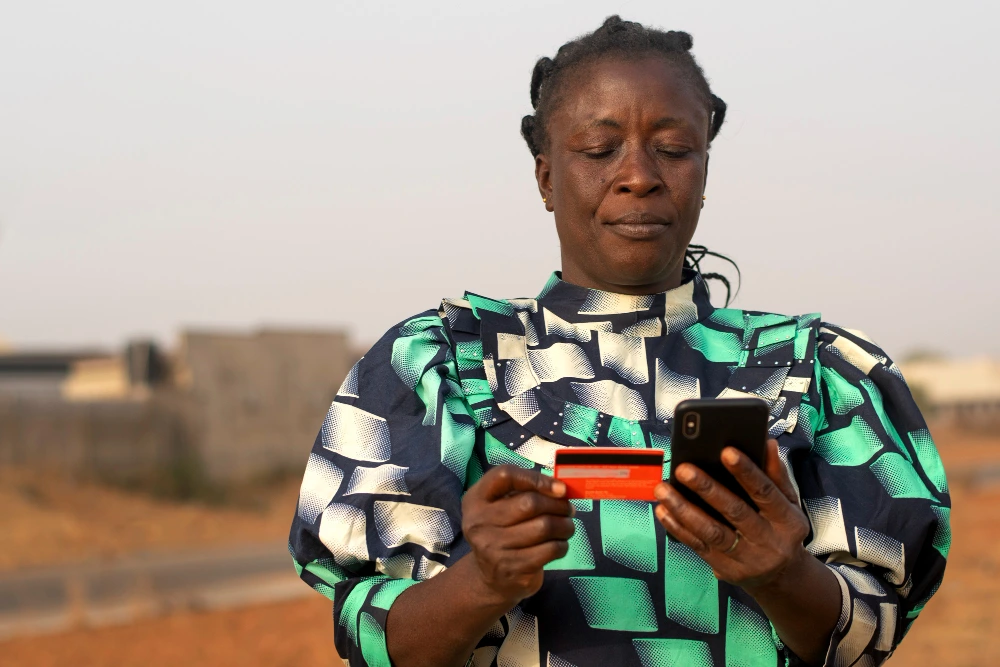

Scammers copy the look of the official site to collect ID numbers, PINs and bank details. A few habits keep you safe.
Each guide is written around a single question and ends with what to do next.
This guide explains who the SRD grant is for, what information you give when you apply and what to do after you…
Read more →Declined means SASSA decided your application for that month did not meet the requirements. This page explains common reasons and your options.
Read more →If your SRD application was declined and you disagree, you can lodge an appeal for each declined month. This page explains how…
Read more →Banking details for your SRD payment are managed on the official SRD website. This page explains common problems and how to stay…
Read more →Most missing payments come down to a few things you can check yourself. Work through this list before you contact SASSA.
Read more →This page lists only the official SASSA contact channels we have confirmed from official sources, and explains which ones we have left…
Read more →GrantStatus is an independent website. We are not SASSA and we are not part of the government. We write plain explanations of how the SRD process works and we link to the official pages for anything that needs your details.
Every guide lists the official sources it is based on and shows when it was last updated. If we cannot confirm something, we leave it out or say so. If you spot a mistake, tell us and we will fix it.
Short reads on payments, status tips and changes to this site.
Status Tips
A clear question gets a clearer answer. Here is how to prepare for a call to the SASSA call centre and what…
Read more →Status Tips
Practical ways to check your SRD status on a phone when data is expensive or the signal is weak, and what to…
Read more →Payments
Approved means the month passed the checks. Paid means money has reached your account. Several things sit in between.
Read more →Cannot find yours? The guides above go into much more detail.
Open the official SRD status page at srd.sassa.gov.za, enter the details it asks for, and read the result for each month. Have your ID number and the cellphone number from your application ready. Read the step by step guide
No. GrantStatus is an independent information website. It is not owned, run or endorsed by SASSA or the government, and it cannot see your application. About GrantStatus
No. Checking your status and applying for the SRD grant are free. Anyone asking for money to check, speed up or fix your status is a scam risk.
Your identity details, the cellphone number from your application, and access to that phone in case the site sends you an SMS.
Pending means a decision has not been made for that month. Check that your details are correct, then check again later. If a month passes with no change, call the official SASSA call centre. What pending means
Read the reason shown for each declined month, check whether the information about you is correct, and decide whether to appeal. An appeal is lodged for each declined month. How to appeal
SRD dates are shown with your approved result on the official site, because SRD is paid in batches. Dates for the older persons, disability and children's grants are in the schedule on this page. How payment dates work
SRD is decided month by month, so check at the start of each month and again before payment time. Checking many times a day will not change the result.
The official SRD website says to call the SASSA call centre on 0800 601 011 to update it. How to prepare for the call
Anyone who helps will see your personal details, so sit with a person you trust and let them guide you while you type your own details. Never share your PIN or OTP, and never pay for help.
SASSA has offered other channels in the past, but we do not list codes or numbers because they differ between websites and change. Use the official status page, and check sassa.gov.za if you want another channel.
The official SRD status page is free and takes a few minutes. Come back here if anything on it is unclear.
Check status on the official siteOpens the official SASSA website in a new tab. Never share your PIN or OTP.